
Latest Version
Microsoft Corporation
IT Tools
Windows
Free
9p6cmfv44zlt
Report a Problem
More About Remote Tools for Microsoft Edge
Streamlining Cross-Device Web Debugging
Remote Tools for Microsoft Edge remote debugging offers web developers an elegant solution to a notoriously difficult problem: inspecting and debugging live web content on non-traditional Windows hardware. Instead of guessing why a layout breaks on an Xbox console or how a web app behaves inside a HoloLens holographic environment, this utility bridges the gap between your primary development machine and target testing devices.
How the Remote Tools for Microsoft Edge Remote Debugging Workflow Works
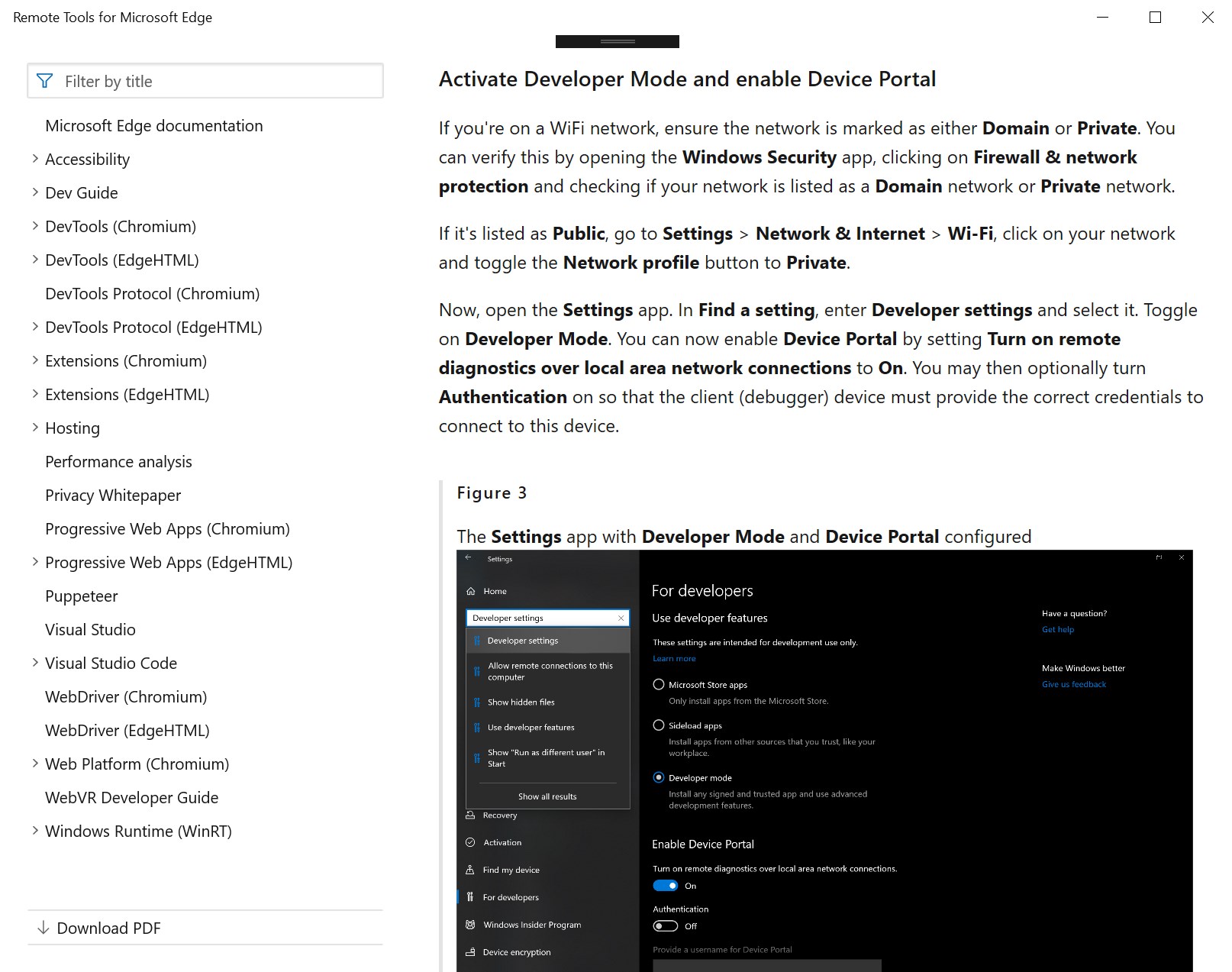
This developer utility acts as an extension for the native Windows Device Portal. By running this application on your host Windows hardware, you enable DevTools clients operating on the same local network to automatically discover and establish a secure connection to your target device. Once this pipeline is active, you can leverage the full suite of Microsoft Edge DevTools from your main workstation to inspect, profile, and optimize your web assets.
Supported Environments and Targets
- Multi-Device Support: Debug host environments across Windows desktops, Xbox consoles, and HoloLens mixed reality headsets.
- Targeted Web Assets: Inspect active Microsoft Edge browser tabs, Progressive Web Apps (PWAs), and hybrid desktop layouts powered by WebView2 controls.
- Local Network Discovery: Connect seamlessly without complex manual IP configuration, utilizing the robust Windows Device Portal architecture.
Who Is This Developer Utility For?
If you are building responsive web applications, optimizing PWAs for TV interfaces, or integrating web views into native Windows applications via WebView2, Remote Tools for Microsoft Edge remote debugging is an indispensable asset. It eliminates the need for simulated environments, allowing you to catch rendering bugs, performance bottlenecks, and execution errors directly on the physical hardware your audience uses.
An Essential Addition to the Modern Web Stack
By bringing the familiar, powerful Microsoft Edge DevTools interface to external hardware, Microsoft has significantly lowered the barrier to entry for multi-device testing. The integration is clean, secure, and highly reliable for developers working in local network environments.
If you are ready to elevate your cross-device testing workflow, we highly recommend checking out this utility. You can find more details and access the application on its official listing page on the Microsoft Store.
Rate the App
User Reviews

Popular Apps










Editor's Choice