

Latest Version
LibreMenuEditor Contributors
Travel & Local
Linux
Free
page.codeberg.libre_menu_editor.LibreMenuEditor
Report a Problem
More About Main Menu
Take Control of Your Linux App Launcher with Main Menu
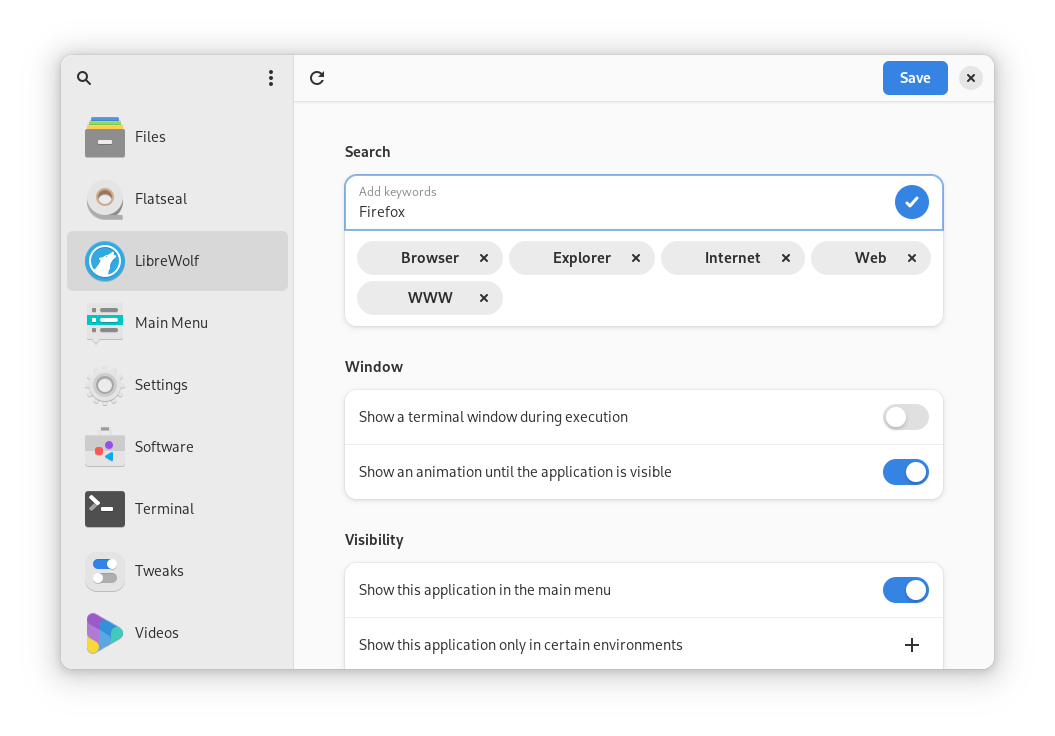
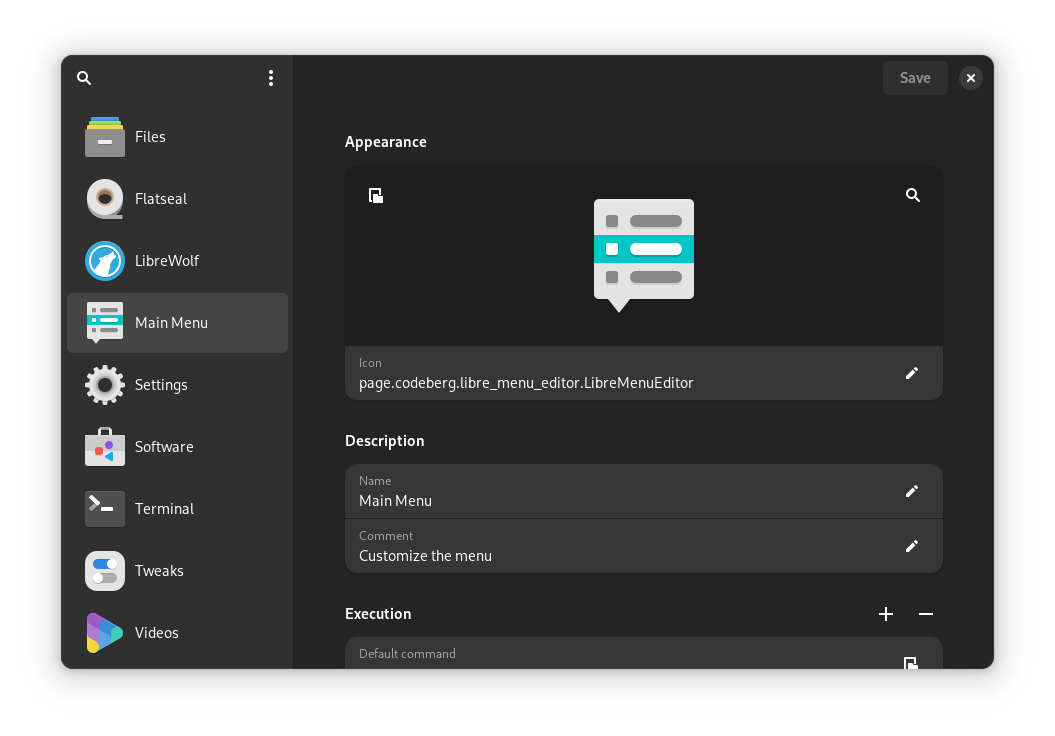
For Linux enthusiasts who value a tidy workspace, the Main Menu desktop editor offers an elegant solution to organize and customize your application launchers. Developed by the LibreMenuEditor Contributors, this utility provides a clean, modern, and highly intuitive interface designed to help you shape your system's application menu exactly the way you want it. Whether you are running a standard desktop environment or a small-screen mobile Linux setup, this tool ensures your launcher configuration remains fully under your control.
Tailor Your Launchers to Your Exact Workflow
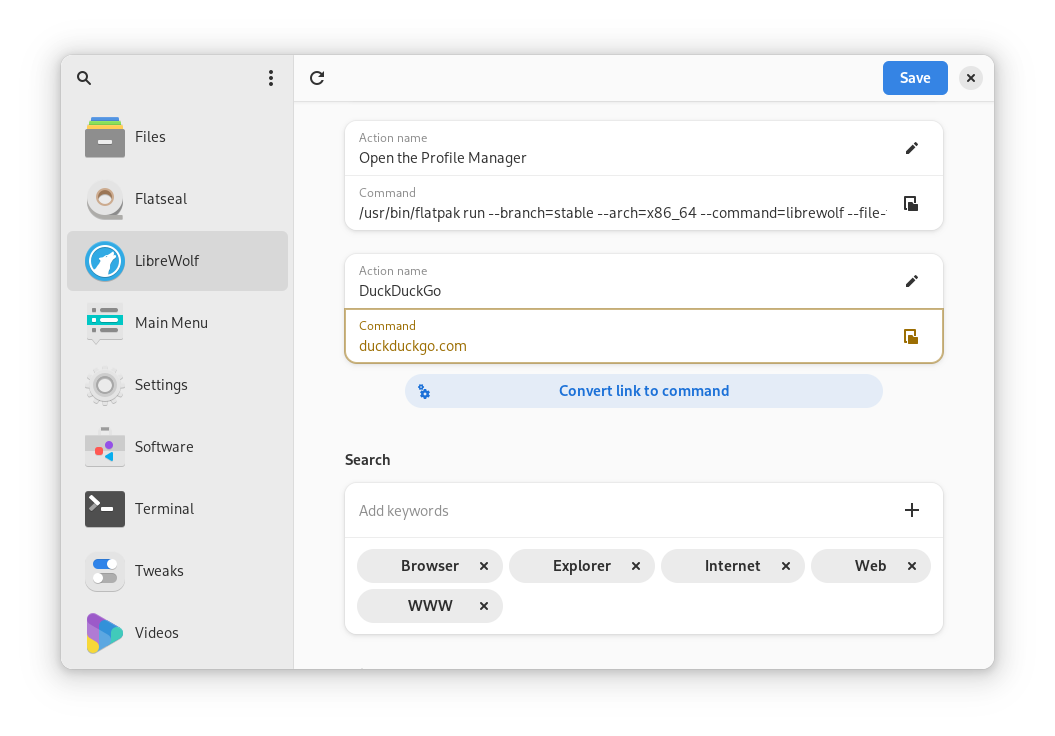
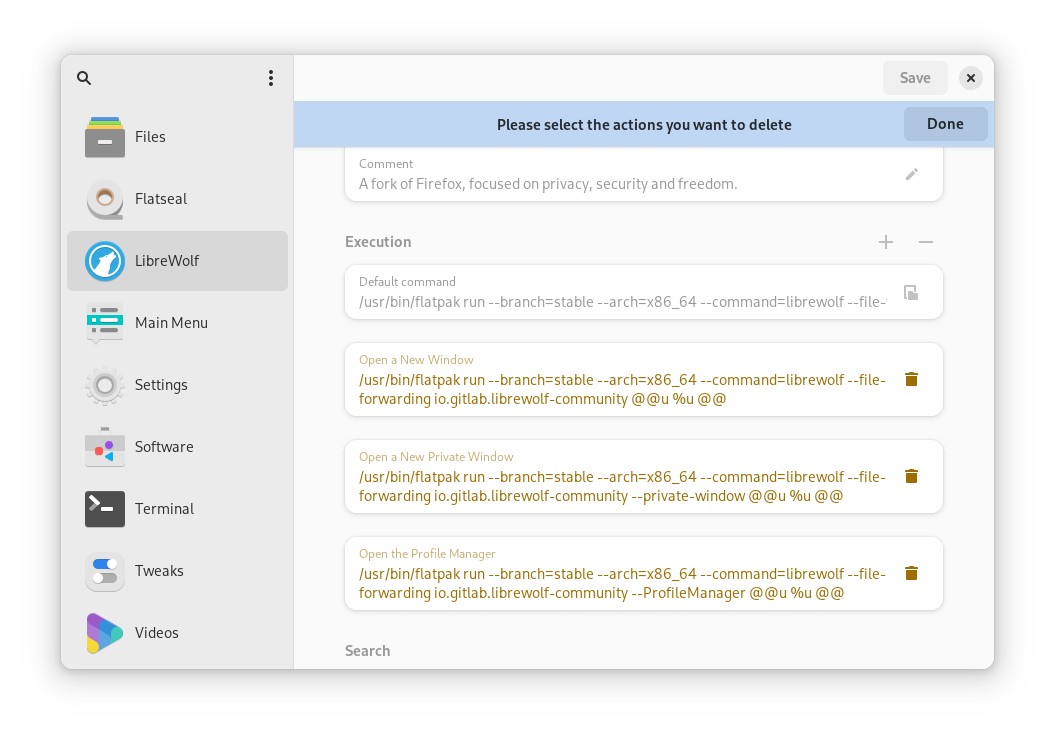
The core strength of the Main Menu desktop editor lies in its deep customization capabilities. Instead of manually editing configuration files in a terminal, you can modify almost every aspect of your application shortcuts visually. Here is what you can accomplish with this versatile utility:
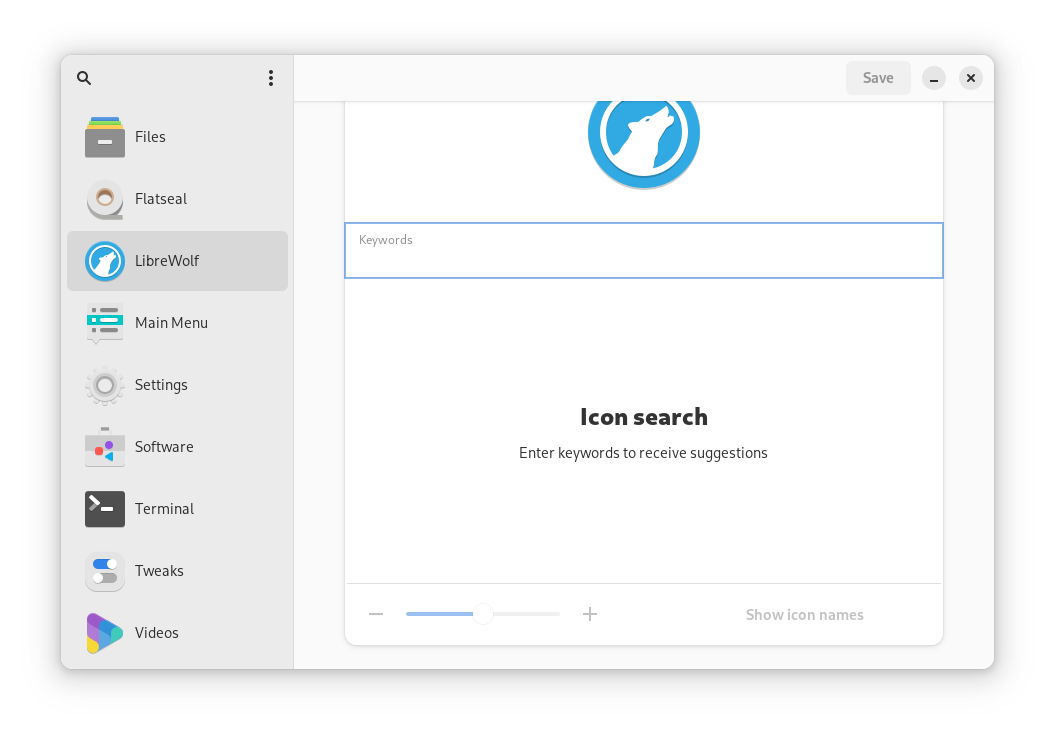
- Visual Personalization: Set launcher icons to specific files or search through your active icon-theme to find the perfect match. You can also change launcher names, add descriptive comments, and create custom search keywords.
- Advanced Execution Controls: Define specific commands or files for launchers to execute, set custom working directories, and even force applications to open in a terminal window or utilize a more powerful discrete GPU.
- Smart Web Integration: Quickly convert your favorite web links into valid system commands to access web apps directly from your desktop menu.
- Desktop Visibility Management: Choose to show or hide specific launchers in your main menu, or restrict their visibility to certain desktop environments. You can easily adjust categories or create duplicates for different workflows.
Flexible .desktop File Handling
Power users will appreciate how seamlessly the Main Menu desktop editor interacts with the underlying system. You can open existing .desktop files using the app's internal menu, your system file manager, or simply by dragging and dropping them into the interface. Once modified, you can install them directly to your desktop environment's application menu or export them to custom locations for backup and deployment. If you ever make a mistake, the software features a built-in safety net that lets you instantly reset launchers back to their original states.
Who Benefits Most?
This utility is an essential addition for Linux users who love personalization and demand a distraction-free environment. It is particularly useful for those managing complex software setups, developers who need to test custom launch arguments, or anyone using freedesktop.org-compliant environments who wants a quick, keyboard-navigable way to keep their system menus organized and responsive.
Get Started Today
If you are ready to declutter your workspace and build a highly personalized application menu, this utility is a must-have. You can explore the application, view its source, and find installation instructions by visiting the official Main Menu page on Flathub.
Rate the App
User Reviews










Popular Apps










Editor's Choice